

Chrome Extensions Stole 900K AI Conversations, Is Your SaaS Environment Next?



Recent research from OX Security has uncovered a sophisticated malware campaign that compromised over 900,000 Chrome users by exfiltrating ChatGPT and DeepSeek conversations through two malicious browser extensions. This incident highlights a critical blind spot in modern SaaS security: unmanaged browser extensions operating as privileged integrations within your environment.
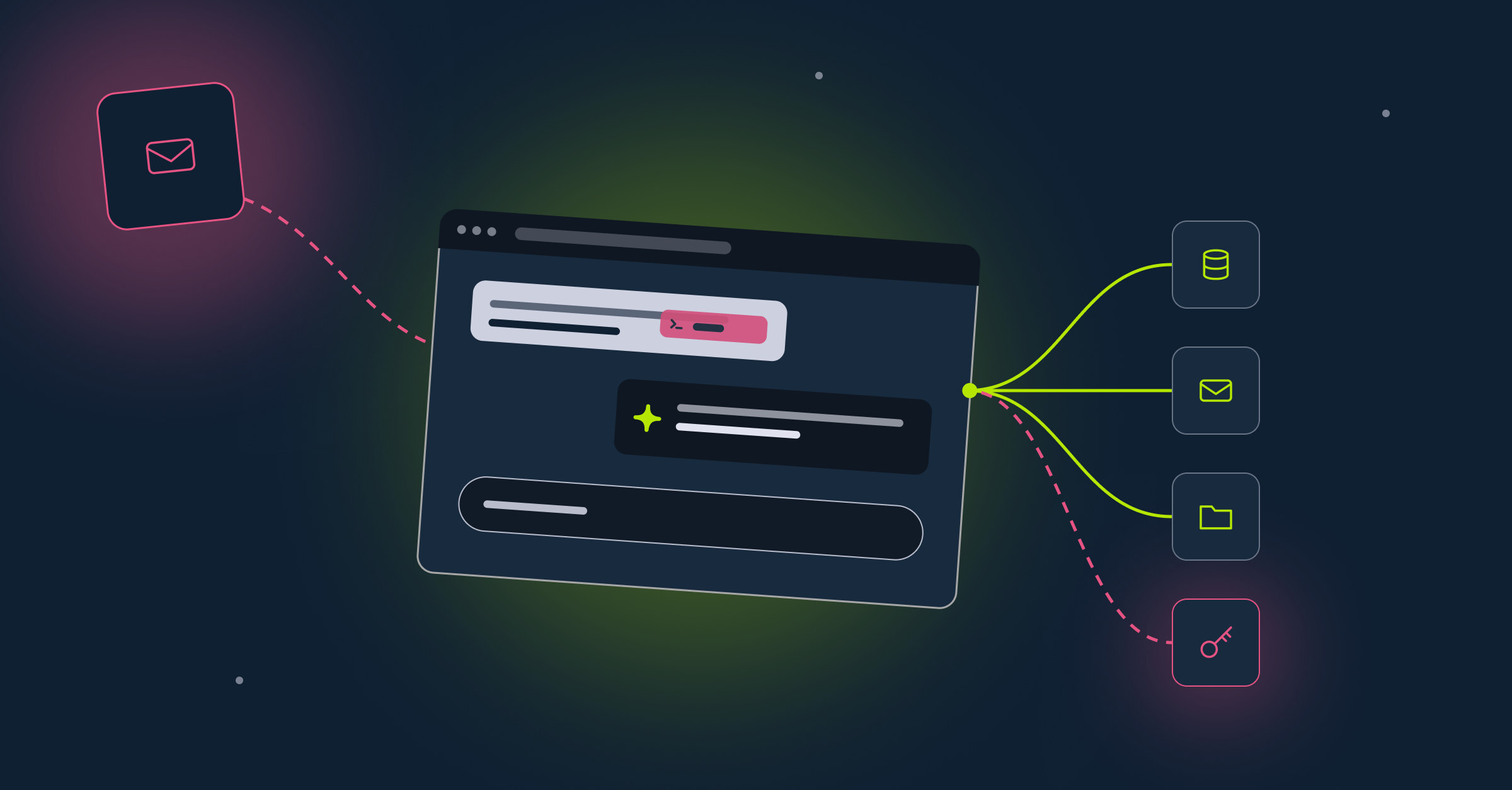
Browser extensions are not just productivity tools, they're potential backdoors into your SaaS ecosystem.
The Attack: How It Worked
Two malicious Chrome browser extensions successfully impersonated the legitimate AITOPIA AI sidebar tool, which allows users to interact with popular large language models like ChatGPT, Claude, and DeepSeek. The malicious versions replicated the expected functionality while secretly embedding data exfiltration capabilities.
The extensions at the center of this campaign were:
- "Chat GPT for Chrome with GPT-5, Claude Sonnet & DeepSeek AI" – over 600,000 users and a Google Chrome "Featured" badge
- "AI Sidebar with Deepseek, ChatGPT, Claude and more" – over 300,000 users
What made this attack particularly effective was its deception model. The extensions requested permission to collect "anonymous, non-identifiable analytics data" to improve the user experience. Users, trusting the Google "Featured" badge and the legitimate-looking interface, granted these permissions without realizing they were authorizing complete conversation harvesting.
Data Exfiltration Mechanism
Once installed, the malicious extensions leveraged broad permissions to monitor user browsing activity. When users visited ChatGPT or DeepSeek, the extensions:
- Identified active conversation pages by scanning specific DOM elements
- Extracted both user prompts and AI responses in real-time
- Stored the data locally before exfiltration
- Transmitted all captured data to attacker-controlled C2 servers (chatsaigpt[.]com and deepaichats[.]com) every 30 minutes
Beyond AI conversations, the extensions also captured complete URLs from all Chrome tabs, search queries, and URL parameters potentially exposing session tokens, authentication credentials, and sensitive internal corporate URLs.
The Scope of Compromise
The breadth of information stolen in this campaign is staggering:
From AI Conversations:
- Proprietary source code and development queries
- Business strategies and competitive intelligence
- Personally identifiable information (PII)
- Confidential research and legal matters
- Strategic planning discussions
From Browsing Activity:
- Complete URLs from all open tabs
- Search queries containing sensitive keywords
- URL parameters with session tokens and user IDs
- Internal corporate URLs revealing organizational structure and tools
This data can be weaponized for corporate espionage, identity theft, targeted phishing campaigns, or sold on underground forums. For enterprises, the implications are severe: employees who installed these extensions on work browser profiles may have unknowingly exposed intellectual property, customer data, and confidential business information.
The SaaS Security Gap: Why This Keeps Happening
Browser extensions sit in a unique and dangerous position within the modern enterprise technology stack. They operate at the intersection of user trust and high-privilege access, yet they fall into a security blind spot that traditional controls don't adequately address.
The Permission Problem
When an employee installs a browser extension on their work profile, that extension gains:
- Access to all websites the employee visits
- The ability to read and modify content on those sites
- Visibility into internal SaaS platforms and proprietary workflows
- Potential access to session tokens and authentication data
Unlike OAuth applications or service accounts, browser extensions rarely go through a formal security review process. They're installed directly by end users, bypass IT procurement, and operate continuously in the background with minimal oversight.
Why Traditional Security Controls Fall Short
Application Whitelisting doesn't cover browser extensions. Most organizations have mature processes for reviewing SaaS applications and OAuth integrations, but browser extensions exist in a different category entirely. They're not apps requesting OAuth scopes. They're code running with broad permissions inside the browser itself.
EDR and SIEM tools have limited visibility. Browser extensions operate within the browser's sandbox, making their network activity and data access patterns difficult to monitor through traditional endpoint security tools.
Users don't understand the risk. A "Featured" badge from Google or high ratings in the Chrome Web Store create a false sense of security. Users assume these extensions have been thoroughly vetted, when in reality, malicious behavior often emerges after an extension has been approved and widely deployed.
The Broader Pattern: Extensions as Non-Human Identities
This incident is part of a larger trend. Similar campaigns like ShadyPanda (4.3 million users compromised over seven years) and Urban VPN Proxy (6 million users) demonstrate that browser extensions have become a favored attack vector for threat actors.
From a SaaS security perspective, browser extensions should be treated as Non-Human Identities (NHIs)—automated entities with persistent access to your environment. Just like service accounts, API keys, and OAuth applications, browser extensions:
- Have permissions that grant them access to sensitive data
- Operate continuously without direct human supervision
- Can be compromised or turn malicious after deployment
- Require ongoing monitoring and governance
The difference is that unlike other NHIs, browser extensions often escape security oversight entirely.
What Organizations Must Do
To defend against browser extension-based attacks, organizations need to fundamentally rethink how they approach this attack surface:
1. Gain Visibility
You cannot secure what you cannot see. Organizations need comprehensive visibility into:
- Which browser extensions employees have installed
- What permissions those extensions request and use
- Network behavior and data exfiltration patterns
- Changes in extension behavior over time
2. Implement Governance
Treat browser extensions with the same rigor as other third-party integrations:
- Establish an approval process for new extensions
- Monitor for shadow IT extensions installed without approval
- Track publisher and permission changes post-installation
- Maintain an allowlist of approved extensions
3. Detect Threats
Traditional security monitoring must extend to browser extension activity:
- Monitor for unexpected outbound domains and data paths
- Detect extensions with excessive permissions
- Identify behavioral anomalies like mass data exfiltration
- Respond to known malicious indicators rapidly
4. Respond Quickly
When malicious extensions are identified:
- Remove them immediately from all affected endpoints
- Validate cleanup of synced browser state
- Assess the scope of data exposure
- Implement compensating controls
The Path Forward
The 900,000 users compromised in this campaign represent a fraction of the total risk. Malicious browser extensions continue to evolve, with threat actors weaponizing trusted tools through post-deployment updates and server-controlled configuration changes.
For SaaS-first organizations, the stakes are clear: browser extensions represent an unmanaged layer of risk sitting between your users and your most critical business applications. Without proper visibility and control, these extensions operate as privileged backdoors into your SaaS environment.
The solution requires treating browser extensions as what they truly are—Non-Human Identities that require the same security governance, monitoring, and threat detection as any other integration in your environment.
Take Action Now:
If you want help assessing your organization's browser extension exposure or implementing controls to detect and prevent these threats, contact Reco to discuss how comprehensive SaaS security can close this critical gap.

Gal Nakash
%201.svg)
ABOUT THE AUTHOR
Gal is the Cofounder & CPO of Reco. Gal is a former Lieutenant Colonel in the Israeli Prime Minister's Office. He is a tech enthusiast, with a background of Security Researcher and Hacker. Gal has led teams in multiple cybersecurity areas with an expertise in the human element.

Gal is the Cofounder & CPO of Reco. Gal is a former Lieutenant Colonel in the Israeli Prime Minister's Office. He is a tech enthusiast, with a background of Security Researcher and Hacker. Gal has led teams in multiple cybersecurity areas with an expertise in the human element.


.png)
