
Hacking Salesforce Sites With an LLM Agent

.png)

AI is changing the security landscape. More and more threat groups incorporate LLMs into their reconnaissance and exploitation workflows. The notion that some vulnerabilities are too complex to implement is now obsolete. Using LLMs, hackers can automatically find and exploit complex vulnerabilities. We have all heard of Claude Mythos and its ability to identify vulnerabilities in large codebases and exploit them automatically. But LLMs can do more than find vulnerabilities in code.
ShinyHunters has scanned thousands of Salesforce Sites. They used a modified version of "AuraInspector". They possibly used an LLM to code their framework, mods, reconnaissance tools, and other aspects of their workflow. But the next step is to use AI to supercharge the attack process itself. We at Reco decided to explore what it would look like.
Reco's security research team built an AI-powered agent capable of performing end-to-end security assessments of Salesforce Experience Cloud sites - fully autonomously. Give it a URL, and it discovers the attack surface, analyzes every exposed endpoint, identifies vulnerabilities, writes working exploits, and runs them. No human guidance required after providing the target.
We pointed it at real-world Salesforce sites belonging to major technology companies, and the results were sobering. The agent discovered high-severity vulnerabilities on sites belonging to organizations that invest heavily in security. It wrote working exploit scripts from scratch, extracted real data, and even autonomously retrieved data from public sources to build payload input when needed.
The End-to-End Security Analyst
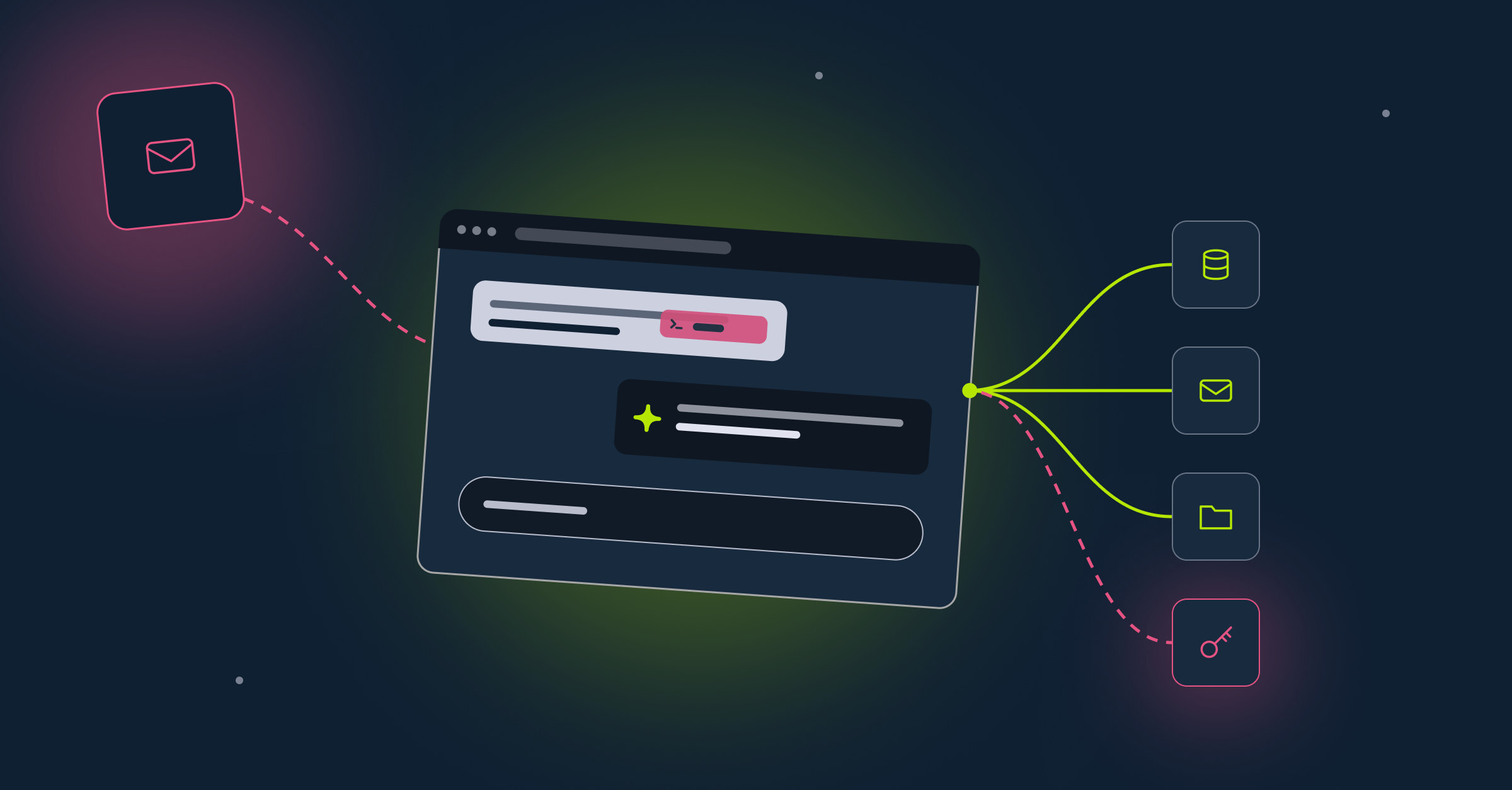
Our agent is not a single monolithic script. It's an agentic pipeline of AI skills, each responsible for a distinct phase of the assessment. A human researcher would follow a similar workflow: reconnaissance, analysis, exploitation, validation. The difference is that every phase is executed by an LLM that can reason about what it sees, adapt its approach, and make judgment calls without human intervention. The LLM controls everything, and it can choose how to use each skill. There is a generic workflow, phases 1-5, but the LLM may choose to go back and rerun skills with a different context as it sees fit.
Phase 1: Reconnaissance - Mapping the Attack Surface
The agent starts with nothing but a URL. Its first task is to discover everything the site exposes to unauthenticated visitors.
It queries the Salesforce Aura framework to enumerate all accessible Salesforce objects (database tables), Apex controller methods (server-side business logic), routes (public pages), and content (files and documents). The output is a comprehensive site context - a map of the entire attack surface, including method signatures, parameter names and types, and object schemas. This is mostly based on deterministic steps, which you can read about in our pentesting guide. The LLM can invoke a Python tool that deterministically enumerates the objects and the apex methods, including their parameters. The LLM may choose to provide additional context as well if it deems it necessary, such as information about the company.
Phase 2: Object Analysis - Probing for Data Exposure
With the attack surface mapped, the agent shifts to data analysis. It categorizes every discovered Salesforce object by sensitivity: what tables may contain sensitive data. It prioritizes tables such as "Contact", "Lead", or "CreditCardTransaction__c" over "BlogPostEntry__c".
For each high-interest object, the agent inspects the schema (field names, types, custom fields), then attempts to query records as a guest user. It evaluates what comes back - not just whether records are accessible, but whether the data in those records is sensitive.
For file objects specifically, the agent follows a dedicated workflow: enumerate accessible documents, inspect metadata, download and read the content of each file, and assess whether it contains sensitive or confidential information. This is how it finds the one sensitive file buried among hundreds of mundane ones.
Phase 3: Apex Fuzzing
Here the LLM is a game-changer. For every exposed Apex method, the agent tries to test it. It analyzes the signature and builds different baselines to run the method.
1. Infers valid values: Using method signatures, parameter names, client-side JavaScript analysis, and data from previously dumped objects, the agent reasons about what inputs each method expects. If a method takes a caseId, the agent looks for Case records it already discovered. If it takes an emailAddress, it tries common patterns.
2. Invokes the method and analyzes the response: The agent calls every safe-to-test method (no delete/modify ones), reads the response, and evaluates whether it returns data that guest users shouldn't have access to, including PII, internal records, credentials, and configuration details.
3. Probes for SOQL injection: For every method with potentially injectable parameters (strings or complex types), the agent tries to inject a single quote, then tautologies, then wildcard payloads. It compares responses against the baseline to detect behavioral changes that indicate string concatenation in SOQL queries. When it finds a difference - an error message, a changed result set, a shifted count - it confirms the injection and characterizes the oracle.
The output is a detailed analysis report covering every tested method, with confirmed findings classified by type and severity.
Phase 4: Exploitation - Writing and Running Exploits
When Phase 3 confirms an exploitable injection, the agent doesn't just report it - it writes a working proof-of-concept exploit.
The agent generates standalone Python scripts that implement the full exploitation chain. For blind SOQL injection, this means:
- Constructing subqueries that pivot from the vulnerable object to high-value targets like User, Contact, or Lead
- Implementing character-by-character extraction using LIKE prefix matching
- Optimizing with frequency-ordered character sets to minimize HTTP requests
The agent then runs the exploit, validates that data is actually extracted, and documents exactly what was obtained. If it successfully extracts an employee email from the User table, it doesn't stop there - it probes additional fields (phone numbers, titles), additional pivot relationships (OwnerId, CreatedById), and additional target objects (Contact, Lead).
Phase 5: Severity Review
The final phase is important for security assessors. The agent reviews its own findings from the perspective of a skeptical program manager. Threat groups might skip it, though it could be beneficial if they want to focus on targets with high-severity vulnerabilities.
For each vulnerability, it asks:
- What data was actually extracted?
- Does the severity reflect demonstrated impact or just the vulnerability class?
This adversarial self-review catches severity inflation, distinguishes real PII exposure from metadata leaks, and ensures the final report is defensible. Of course, this is not the end - the agent may go back to phase 4 to try to find a stronger exploit.
Running the Agent
After testing it in our own labs, we targeted several companies with vulnerability disclosure programs that allowed it. We constrained the agent explicitly: no write, delete, or modify operations; no bulk extraction; testing limited to methods that could not cause side effects. The goal was demonstrating exploitability and impact, not maximizing data exfiltration.
This security assessor agent was built to work as a pentester, and not a malicious attacker - but the results are the same; we still got data dumps, including PII. The main difference is the size of the dump.
Case Studies
Disclosure note: All vulnerabilities described in this post are real and were responsibly disclosed to the affected organizations through their security programs. Company names have been replaced with fictional names to protect the organizations while preserving the technical accuracy of the findings.
Case Study 1: Aegis Security - "Tell Me Everything About This Email"
Company profile: Aegis Security (name changed) is a major cybersecurity vendor with a partner portal built on Salesforce Experience Cloud. The portal allows technology and channel partners to manage their relationship with the company. The site was not meant to be publicly accessible - "Guest users can see and interact with the site without logging in" is disabled.
What the Agent Found
The agent began by mapping the full attack surface: 263 Salesforce objects, 55 Apex methods across 9 controller classes, and 10 public routes. It systematically analyzed each endpoint, probing parameters with test inputs to understand the application's behavior.
When the agent reached PartnerPortalOnboardingController.getContactInfo, it discovered something alarming. This Apex method, intended for the partner onboarding flow, accepted a single parameter: an email address. And it was accessible to unauthenticated guest users.
The agent tested it with a generic email and received back:
{
  "FirstName": "...",
  "LastName": "...",
  "Phone": "1234567789",
  "Email": "test@example.com",
  "Title": "...",
  "Account": {
    "Type": "Partner",
    "Name": "Brightwave Solutions K.K.",
    "BillingStreet": "Shinjuku Park Tower, 3-7-1, Nishishinjuku",
    "BillingCountry": "Japan",
    "BillingState": "Tokyo",
    "BillingPostalCode": "163-1055"
  }
}
A single unauthenticated HTTP request, given any email address, returned the full Contact record - name, phone number, job title - plus the linked Account's complete billing address. For unknown emails, the server returned List index out of bounds: 0, providing a clean oracle to distinguish registered from unregistered addresses.
The LinkedIn Pivot
Here's where the AI truly shone. After discovering the vulnerability, it decided to weaponize it. The agent recognized that the vulnerability's practical impact depends on an attacker having a list of email addresses to query. It autonomously navigated to LinkedIn and other public sources (such as Aegis's public community portal) to identify employees of known Aegis Security partner companies, or employees of Aegis itself, constructed likely corporate email addresses based on common patterns (first.last@company.com, flast@company.com), and used the vulnerable endpoint to validate them.
For every hit, it extracted the full Contact record and billing address. This worked - the agent was able to compile a long list of employees and partners, with their PII.
The Confidential Documents
The agent also discovered that the site's ContentDocument object exposed files from a "Partner Assets" workspace to unauthenticated users. Among the accessible files, it found documents explicitly marked as confidential - including a Partner Admin Guide with a footer reading "CONFIDENTIAL INFORMATION" on every page, legal contract templates with liability terms and fee structures, and partner onboarding documents marked "For Partner Use Only."
These were downloadable with a single unauthenticated HTTP GET request:
GET /sfc/servlet.shepherd/document/download/{ContentDocumentId}
Host: partners.aegissecurity.com
Root Cause
The getContactInfo method was a textbook broken access control vulnerability. The Apex class, which is configured to run "without sharing" (ignore record-level security controls) was exposed to guest users. The developer likely intended it to be called only during an authenticated onboarding flow, but access was erroneously granted to guest users.
The file exposure stemmed from a combination of ContentDocumentLink.Visibility set to AllUsers and the site-level setting "Let guest users view asset files" being enabled. This is noteworthy because "Guest users can see and interact with the site without logging in" is disabled. It's important to remember that "Guest users can see and interact with the site without logging in" only affects the default access to site pages - not records - so the files were still accessible.
Case Study 2: Helios - Blind Injection From a Blog Post
Company profile: Helios (name changed) is a Fortune 500 tech company with a support community built on Salesforce Experience Cloud. The site hosts knowledge base articles, community events, and a blog where employees publish technical content.
What the Agent Found
The agent mapped the attack surface: 49 Apex methods across 21 controller classes. When it reached BlogDetailController.getFeedDetails - a method that returns engagement metrics (view count, like count) for a blog post - it did what it does for every method: probed the input parameter for injection.
The blogId parameter accepted a Salesforce record ID. The agent appended a single quote:
The server responded: unexpected token: '''
This is a SOQL syntax error - the Salesforce equivalent of a SQL injection indicator. The developer had concatenated the blogId parameter directly into a SOQL query string instead of using a bind variable.
Building the Oracle
SOQL injection on Salesforce differs from traditional SQL injection. There's no UNION SELECT, no information_schema, no stacked queries. Exploitation requires constructing a boolean-blind oracle: a way to ask yes/no questions and observe different responses.
The agent identified the oracle pattern: when the injected condition is true, the blog post record is returned with its real engagement numbers. When false, no record matches, and the counters return zero. A clean, reliable boolean oracle.
Writing the Exploit - Autonomously
This is where the agent's AI capabilities become remarkable. With the oracle confirmed, the agent needed to write a working blind SOQL injection exploit. It had to:
4. Understand SOQL's constraints: No UNION, no comments, no stacked queries. Character extraction requires LIKE-prefix matching via subqueries.
5. Design the extraction query: Use a cross-object subquery to pivot from the blog post's CreatedById field to other tables, such as the Lead table.
6. Implement character-by-character extraction: Build up each field value one character at a time, testing characters in frequency order to minimize the number of requests per position.
7. Handle edge cases: Proper URL encoding of injection payloads, Salesforce-specific error handling, SOQL-specific limitations.
The agent wrote a complete Python exploit script from scratch and ran it, extracting real data to validate the vulnerability. The initial proof of concept extracted the email and full name of the blog post's author - a real Helios employee.
The Expanded Sweep
The agent didn't stop at one proof-of-concept. Recognizing that each blog post has a different author, it decided to expand the exploit and checked other posts with different authors. Across a sample of 13 unique blog post authors, it extracted:
- Full names and corporate email addresses for all 13 employees
- Personal phone numbers for 3 employees
- Cross-object pivot to Contact records: For 3 authors, the agent discovered linked Contact records via the OwnerId relationship - these were customer records, not employee records
One of the extracted Contact records belonged to a customer at a major financial services firm - full name, corporate email, and direct phone number.
The Needle in the Haystack
Beyond the SOQL injection, the agent analyzed the site's accessible objects and discovered that ContentDocument records were queryable by guest users. Most of the accessible files were mundane - profile pictures, community assets, public attachments.
But the agent didn't just enumerate them. It inspected the content of potentially interesting files. It identified an interesting CSV file: a customer's Helios syslog export attached to a support interaction. This file contained:
- Customer PII (names and email addresses)
- Full authentication event history (login, logout, MFA enrollment, OAuth token grants)
- Session IDs and partial access/ID token values
- Internal application names and identity provider configuration
This was a third-party customer's sensitive security audit data, sitting on a public-facing support portal, downloadable by anyone. The agent identified it not through luck but through systematic analysis - reading file metadata, assessing content sensitivity, and flagging the one file that didn't belong among the others.
Root Cause
The SOQL injection was caused by string concatenation in a dynamic SOQL query:
// Vulnerable
String query = 'SELECT ... FROM Blog_Post__c WHERE Id = \'' + blogId + '\'';

// Should have been
String query = 'SELECT ... FROM Blog_Post__c WHERE Id = :blogId';
A single-character fix (: instead of \') would have prevented the entire exploit chain.
Additionally, the BlogDetailController class should not be defined with the "without sharing" keyword. The Blog Posts are shared with the guest user; therefore, it should be "with sharing".
Additional Findings
Aegis Security and Helios were not the only organizations where the agent discovered vulnerabilities. Across multiple assessments of real-world Salesforce Experience Cloud sites, the agent consistently identified issues ranging from information disclosure to exploitable injection. Other findings included SOQL injection in metadata queries and object-level access control failures exposing business data. These were all responsibly disclosed.
Defenders Need to Catch Up
The AI-powered threat actors are now our reality. Therefore, security must adapt. To the AI-powered threat actor, every misconfiguration and every security gap is an open door.
For Salesforce, the defensive implications are clear:
8. Reassess your risk acceptance decisions - urgently: If your last Salesforce security audit concluded that certain vulnerabilities were 'low exploitability,' that assessment is now out of date.
9. Audit your Salesforce Experience Cloud sites: If you have Salesforce portals, assume that every exposed Apex method and accessible object will be probed. Review sharing rules, guest user permissions, Apex method access, and ContentDocument visibility.
10. Review without sharing Apex classes: It seems that many Salesforce developers use the "without sharing" keyword because it makes development and deployment easy - everything just works. But it's a dangerous running mode, and companies should avoid using it unless necessary.
11. Use bind variables in SOQL: This is Salesforce Security 101, but as our findings show, string concatenation in dynamic SOQL persists in production code at major organizations.
12. Don't rely on obscurity: The agent found a single sensitive file among hundreds of benign ones. It found the one injectable parameter among 49 methods. Automated analysis doesn't miss things because they're buried. Assume that all of your controllers can be found; there are no hidden paths and pages in Salesforce.
13. Make sure your sites are included in security audits: It's not enough to evaluate your landing site and the main app. Salesforce sites are connected to Salesforce, and therefore have access to your sensitive business data. Ensure they're audited in your "offsec" exercises and your vulnerability disclosure programs.

Nitay Bachrach
%201.svg)
ABOUT THE AUTHOR
Nitay Bachrach is a Senior Security Researcher at Reco and a Salesforce security expert.
Nitay Bachrach is a Senior Security Researcher at Reco and a Salesforce security expert.