
A prompt isn't risky by itself. The context around it is.

.png)

Every security team is asking some version of the same question right now: who's using what AI tool, with what data, and can we stop it before something goes wrong?
Most of that activity starts in the browser, before it ever reaches a system security teams already watch. A customer service rep pastes customer records into a chatbot. A developer hands a coding agent access to production code. A copilot gets pointed at a shared drive. It all happens in a browser tab that looks like every other browser tab.
Reco Browser Guard fills that security gap. It inspects AI and agent activity where it happens and combines it with the context Reco already builds for every user, app, and agent: who's involved, what data is at stake, what tool it's headed to, and whether the whole thing matches how the business actually operates.
Same prompt, two different risks
A prompt can't be judged on its own. "Summarize this document" is routine from a marketing associate working with a press release. It's a different question from a finance director working with an unreleased earnings statement, sent to a personal ChatGPT account instead of the company's approved tool.
Browser Guard evaluates the user behind the action, the sensitivity of the data, the AI tool or agent receiving it, whether the account is corporate or personal, and whether the behavior fits how the business expects AI to be used. That's the difference between a tool that flags every prompt containing the word "confidential" and one that knows which of those prompts actually matter.
Agents change the math
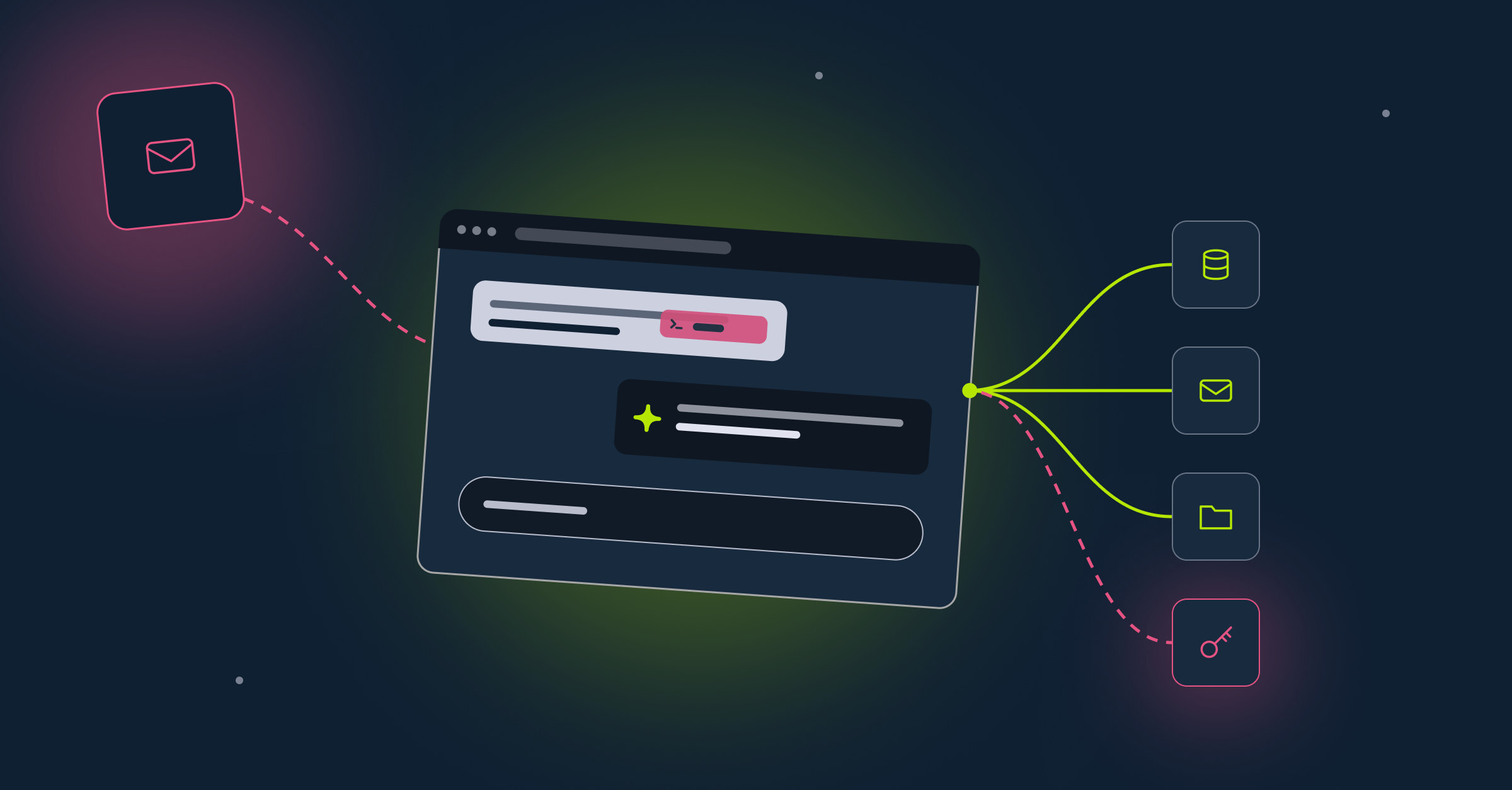
A chatbot receives a prompt and returns text. An agent retrieves context, calls tools, interacts with other systems, and takes action, sometimes without anyone reviewing the output first. That turns three things into risk at once: what the agent can reach, what it's told to do, and what it actually does.
A coding agent asking for debugging help is expected. A coding agent pulling proprietary source code, credentials, or infrastructure details into an unapproved AI tool is not, and the browser is usually where that line gets crossed first.
Shadow AI, out in the open
Browser Guard also surfaces the AI employees are using outside anything IT approved: personal accounts, browser extensions, unsanctioned copilots. Security teams get visibility into which tools are in use, who's using them, whether the account is corporate or personal, and whether business data is moving into it. That's usually the first gap that shows up once a team starts looking.
Where Browser Guard fits
Browser Guard is the browser layer of Reco's AI Runtime Security, running on the same identity, permissions, and activity context the Reco Graph already maintains for every agent and app in the ecosystem. It doesn't require a new gateway or rerouted traffic. It runs where the interaction already happens, so security teams can detect, guide, block, or stop risky behavior without slowing down the people using AI to get work done.
Talk to us to see Browser Guard in your own environment.

Reco Security Experts
%201.svg)
ABOUT THE AUTHOR